
Unitee-Camera
Included with every Unitee Platform Subscription
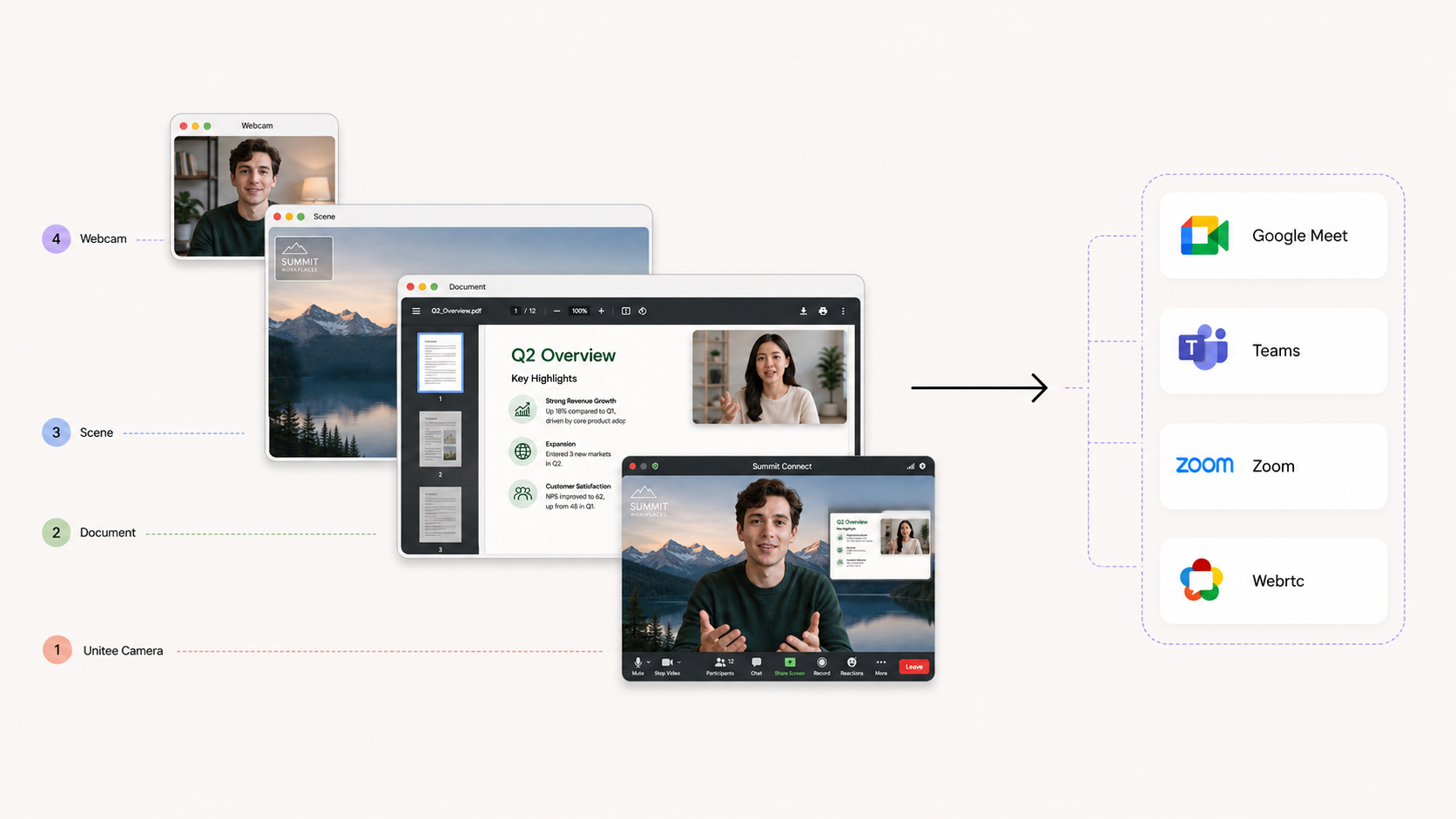
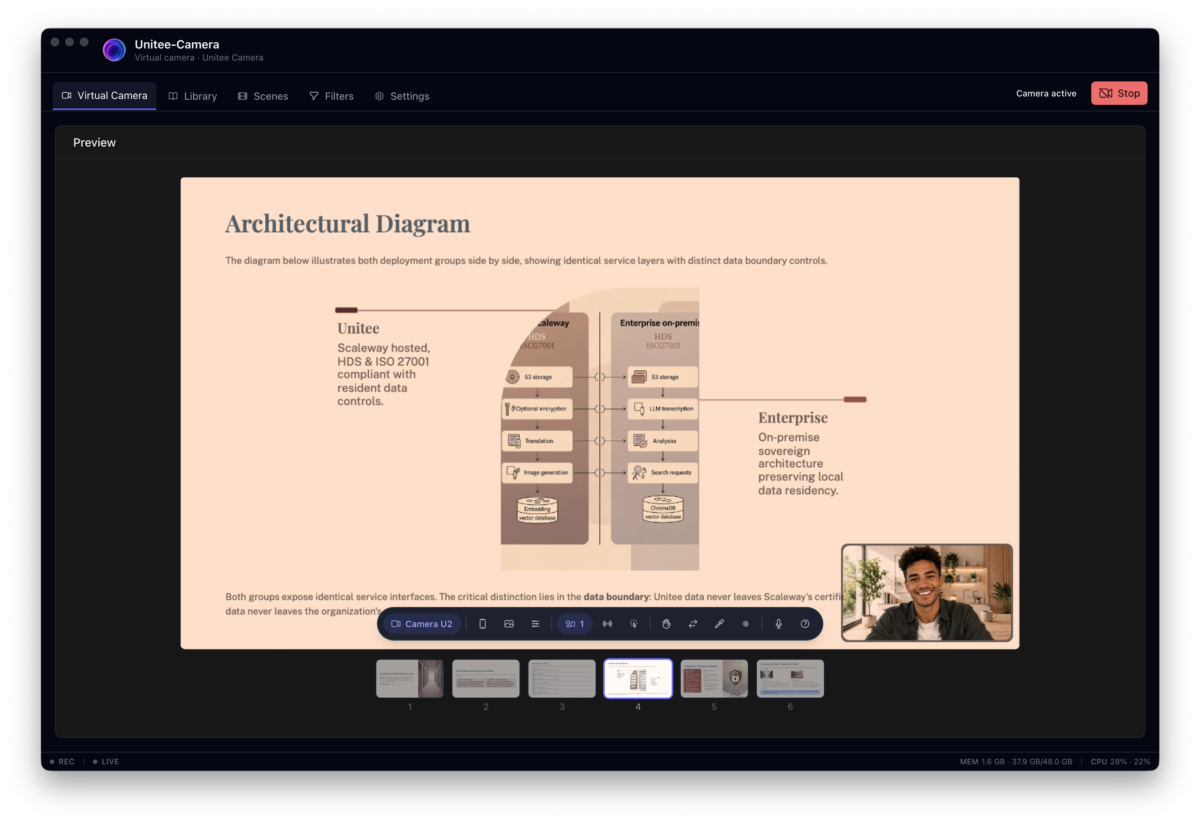
Original composition in Unitee-Camera and the resulting video feed in your video conferencing application.
Unitee-Camera transforms your webcam into a professional presentation studio. Instead of simply sending a camera image to your video conferencing application, Unitee-Camera lets you design and control the entire video feed before it reaches your audience. Combine multiple cameras, documents, application windows, mobile screens, images, backgrounds, and interactive elements into a single professional composition. Your presentation becomes a visual experience rather than a simple webcam feed. Present documents directly in your video, demonstrate software, share your iPhone screen, highlight important information with a virtual pointer, and create branded scenes that can be reused across meetings and broadcasts. Unitee-Camera works with the video conferencing, streaming, and communication applications you already use. Its virtual camera makes your professionally composed video available wherever a standard webcam can be selected. From a sales demonstration to a training session, product presentation, webinar, or live stream, Unitee-Camera gives you the visual control normally associated with professional video production without requiring complex production software.
Compatible with the leading video conferencing, communication, and streaming applications.
Turn Your Camera Into a Presentation Studio
- Create engaging video presentations for meetings, demos, training sessions, and live streams.
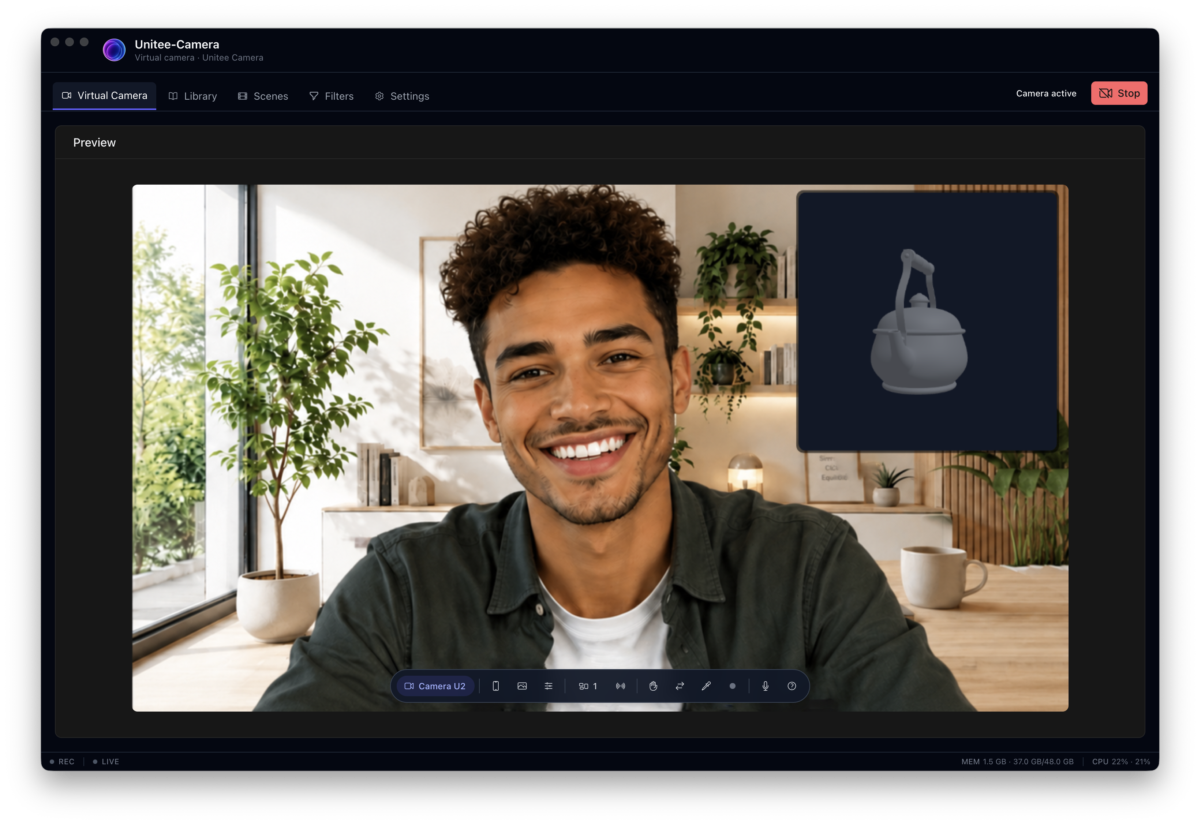
- Combine multiple cameras and visual sources into a single professional video feed.
- Create a polished and consistent visual presence for your brand.
- Switch between different presentation scenes while staying live.
- Use your presentation setup with the applications you already use every day.
Interactive Presentations That Keep Your Audience Engaged
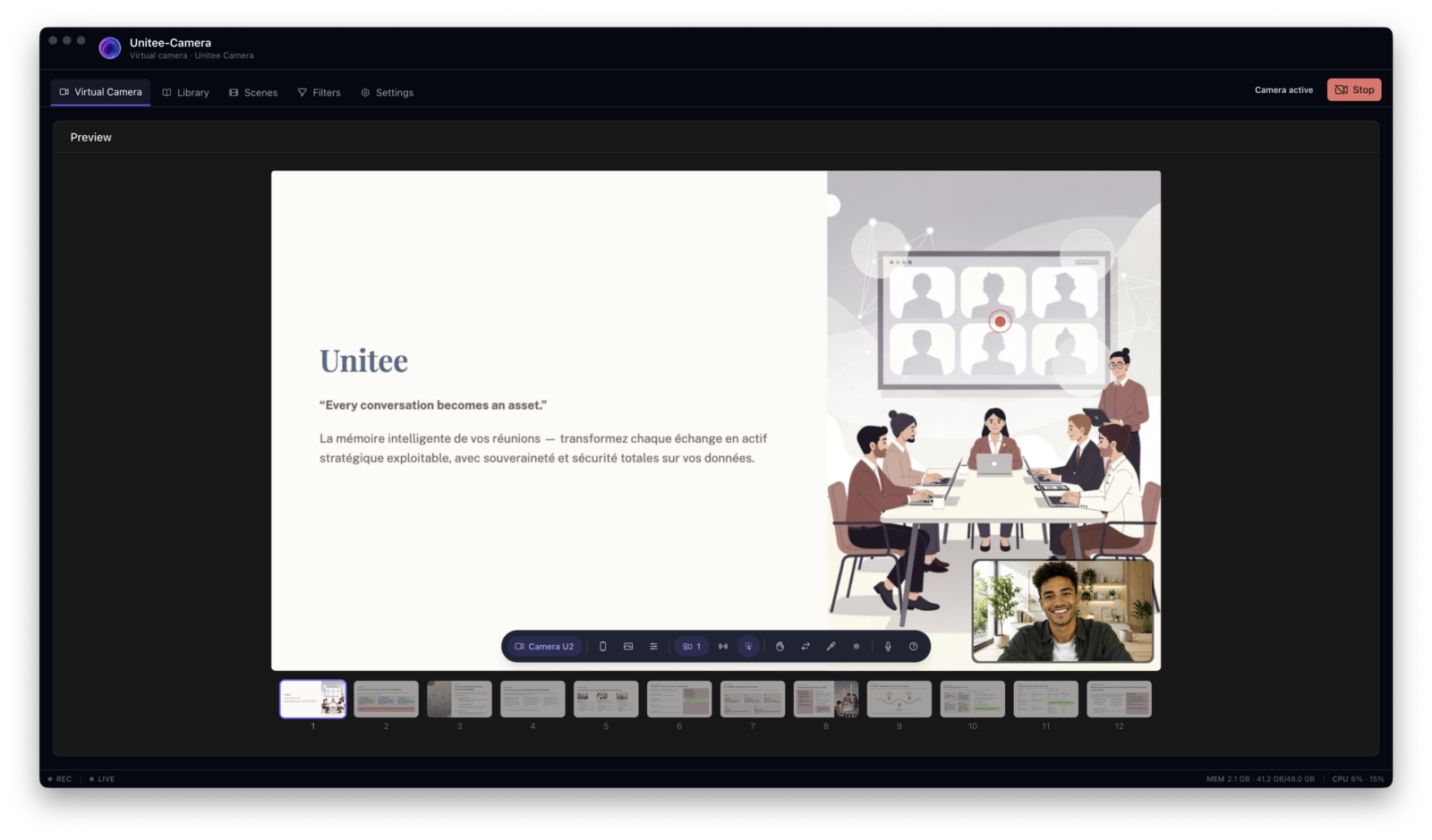
- Display PDF, PowerPoint, images, and other documents directly in your video feed.
- Navigate through documents page by page while presenting.
- Switch between different documents instantly during your presentation.
- Present content in Picture-in-Picture while keeping your camera visible.
- Highlight important information with a built-in virtual pointer.
- Clearly indicate when your presentation is being recorded or broadcast.
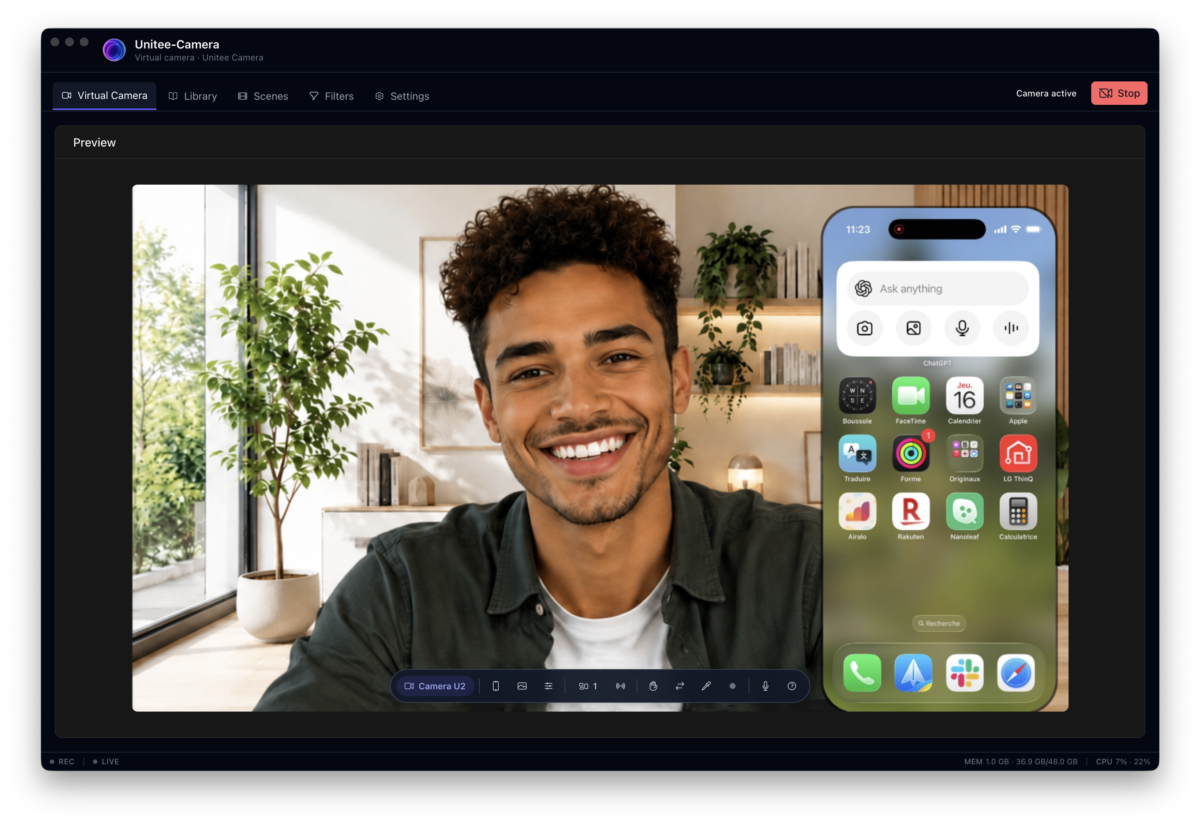
Share Your Mobile Screen
- Share your iPhone screen directly in your video presentation.
- Share your iPhone front and rear cameras.
- Switch between portrait and landscape orientations.
- Support for Android devices is coming soon.
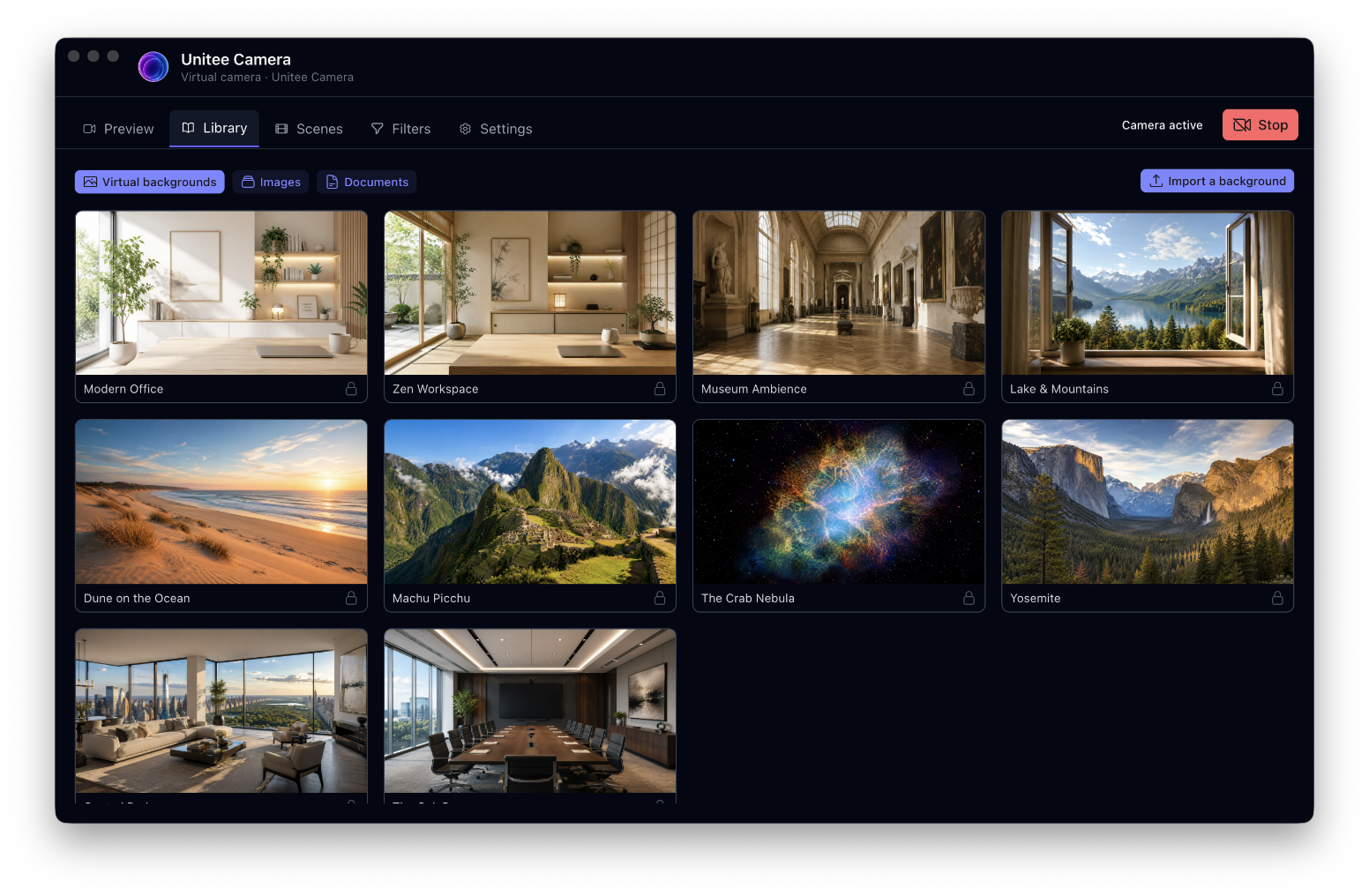
Build Your Content Library
- Organize documents and visual assets in one place.
- Reuse images and backgrounds across different presentation scenes.
- Keep your presentation content ready for your next meeting or broadcast.
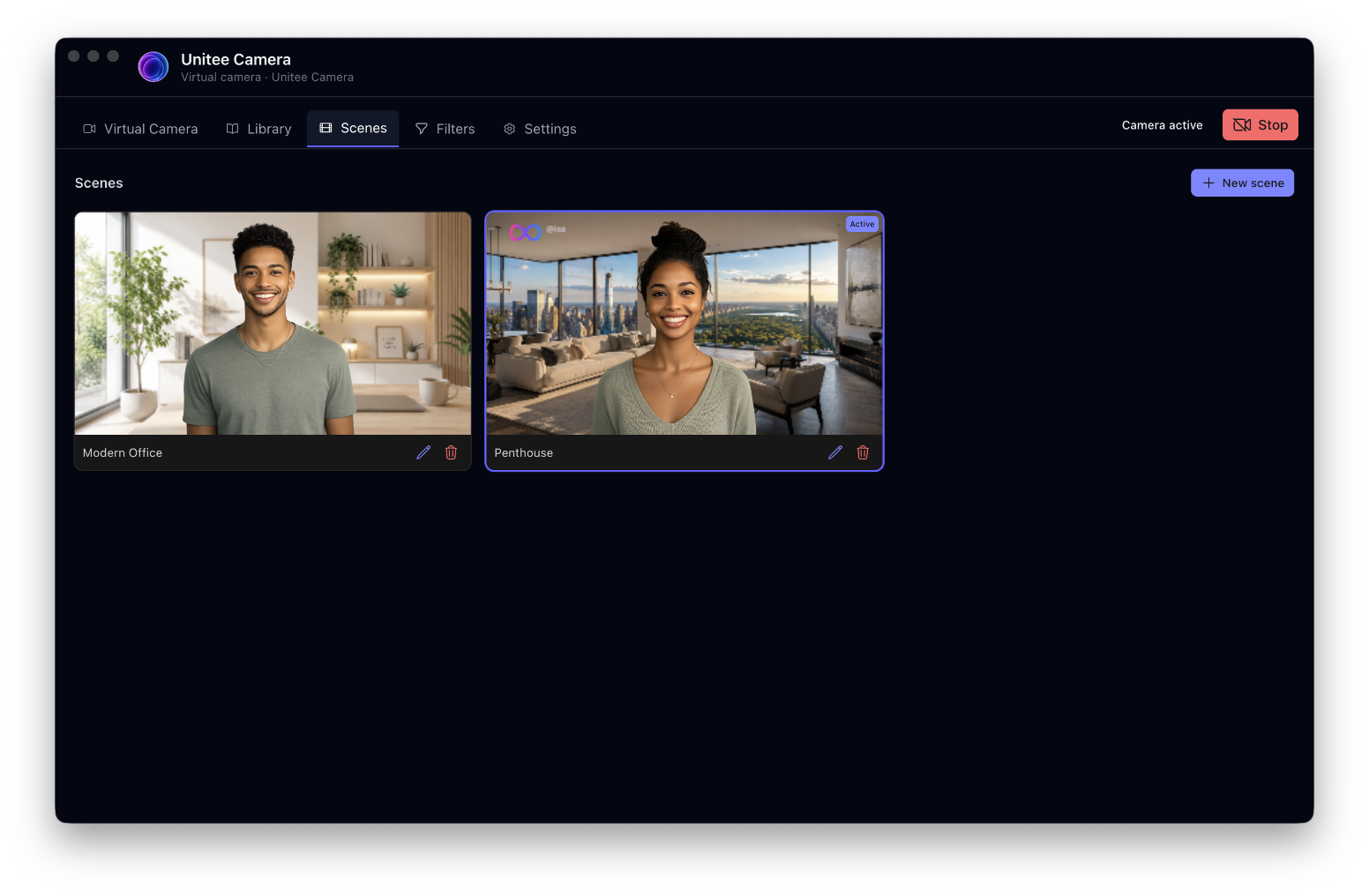
Create Your Own Presentation Scenes
- Create custom backgrounds to build your own visual environment.
- Add your company logo and contact information to your presentation.
- Position and arrange visual elements freely within your scene.
- Save and reuse your scenes across different meetings and presentations.
Look Your Best in Every Presentation
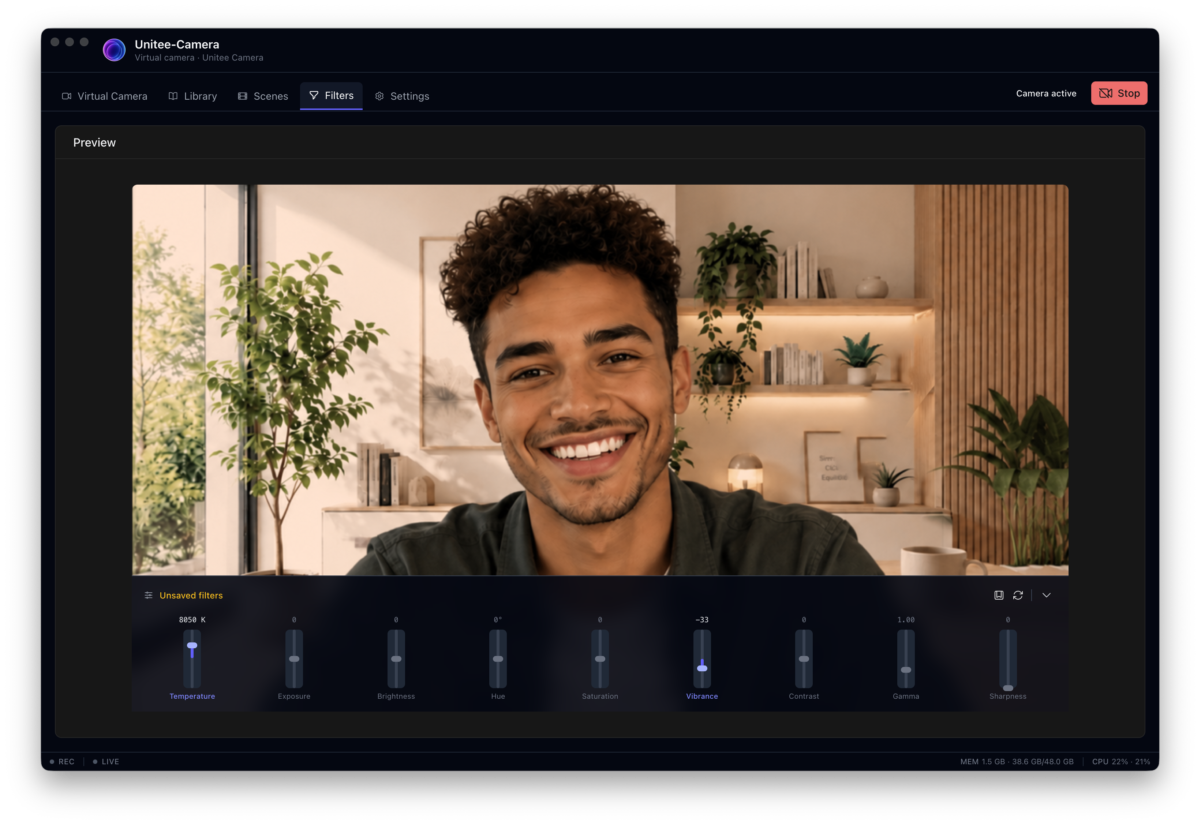
- Adjust lighting, colors, exposure, and sharpness to improve your video.
- Create custom visual profiles for different presentation environments.
- Switch between profiles instantly while staying live.
Sample Video Stream Assembly in Unitee-Camera